Video-interviews last 15 minutes and are recorded online with the mobile app Riverside
App Guide Riverside for iPhone / iPad
Riverside is a virtual multi-track Internet recording studio
How do you hear your interview?
- DAB + digital radio: On the radio of your car in Madrid, Barcelona, Valencia, Sevilla, Zaragoza, Málaga, Murcia, Palma de Mallorca, Bilbao, Vigo, Tenerife (Santa Cruz), San Sebastián, Ibiza at 8: 00 and 14: 00. All cars since 2021 have a FM / DAB + radio
- App DABClassic available in AppStore and Google Play podcasts section
- Instagram @ dabclassic and yours (As a collaborator)
- Podcast: Spotify, Apple podcast, YouTube Music
- Video: YouTube @ dabclassic
IMPORTANT: It is essential to have a Fiber or 5G mobile Internet connection to quickly and with the best quality load the great amount of data (video and audio) in the cloud.
- When do we record?
Monday to Wednesday 9: 30 - 12h00 and Friday 11: 00 - 12: 00, Spanish time (GMT + 1 or 2) - Activate the Wi-Fi connection on your mobile
To have a quick Internet connection. - Download Riverside for iPhone / iPad
Open up. AppStore on your iPhone / iPad phone, hit the magnifying glass and search
Riverside (Riverside: Record podcasts) Install
IN THE MOMENT OF ENTRY - Quiet mode
Put your phone in silent mode to silence the tone of incoming calls and disable the next alarms. - Open the Riverside app
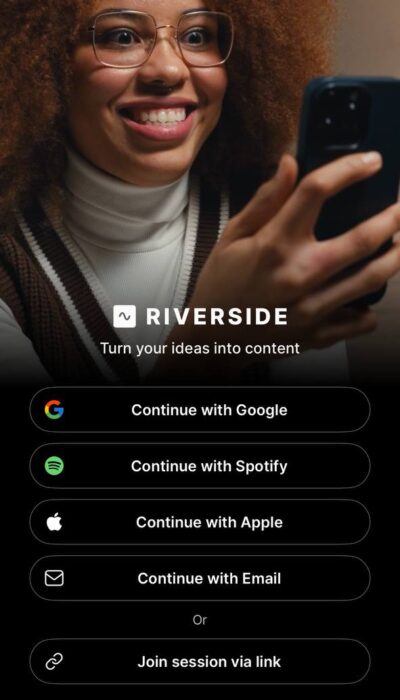
5 minutes before the interview, we'll send you a link by Instagram. You will select, copy and paste it into the Riverside App. 'Join session via link'(Last option of the app. See image) - Permissions
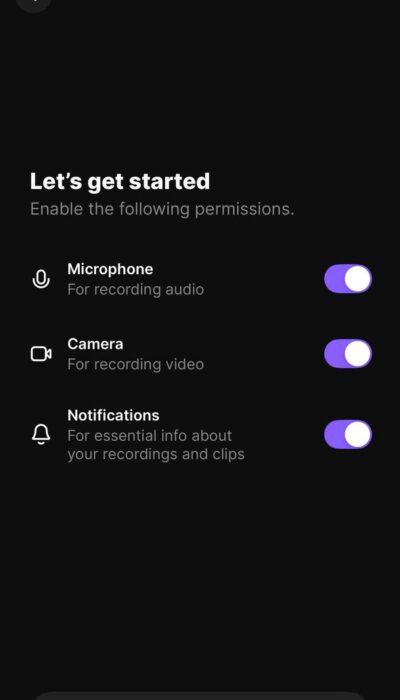
Give the three permissions to the app, Microphone, Camera and Notifications and then Continue - Microphone
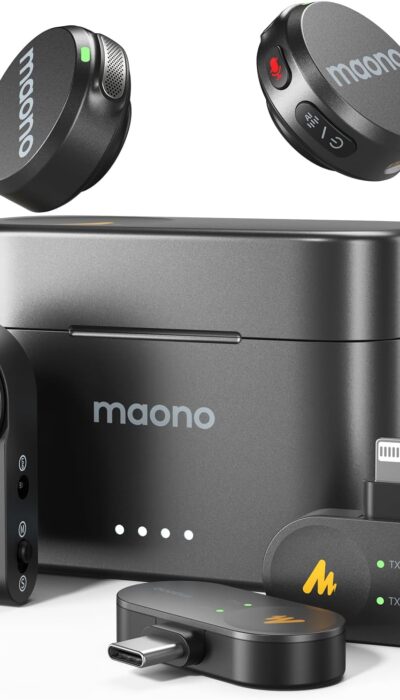
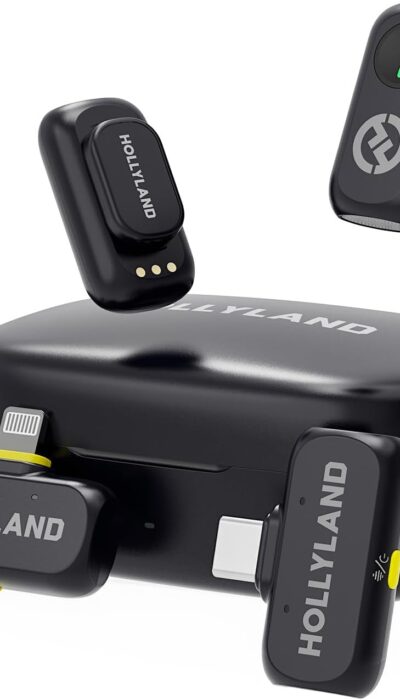
If you have a wireless flap microphone, make sure you load it and use it. There are many quality models in Amazon. - Mobile support
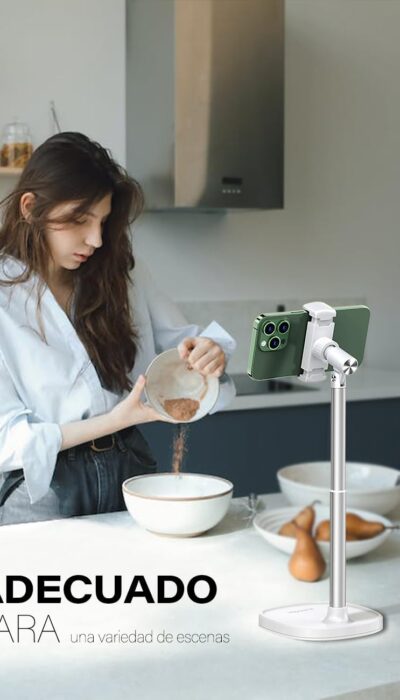
Place your iPhone / iPad camera up to your eyes. There are numerous quality supports in Amazon, Temu... - Final
At the end of the interview, do not hang up until the entire interview (Audio + video) has been uploaded to the cloud. Take away the silent mode and reactivate the alarms. - Promotion
After the edition, we will proceed to create a short video of less than 90 seconds for its promotion on YouTube and Instagram, in which we will include you as a collaborator.